

Every fix is rated
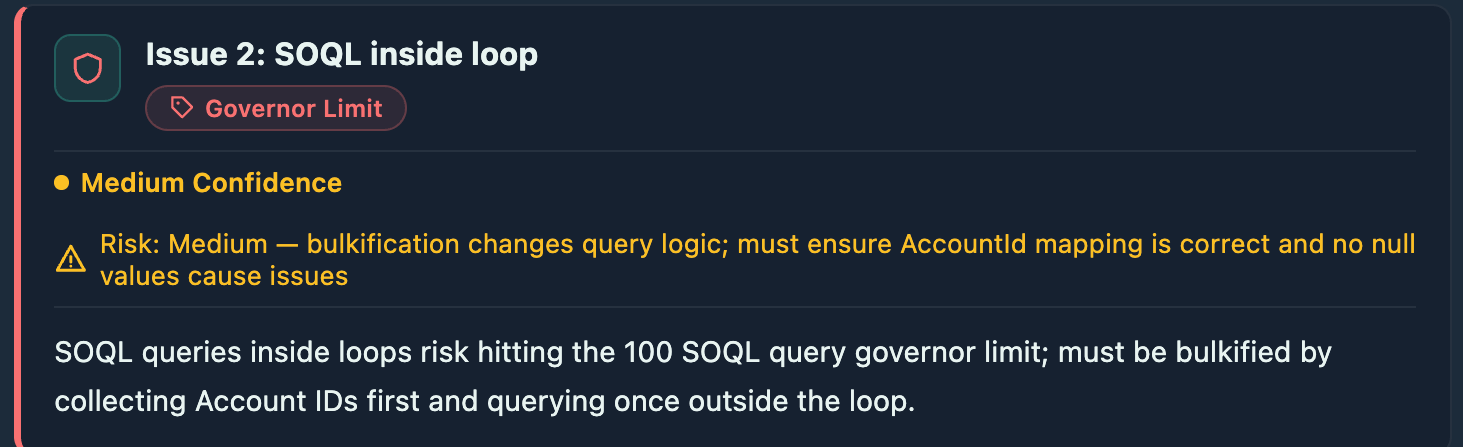
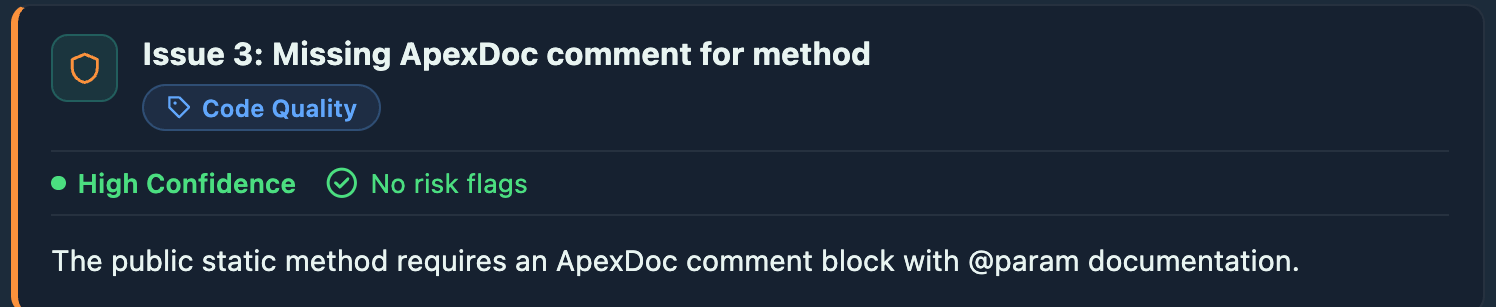
When kipmox proposes a fix, it shows three things before you apply anything: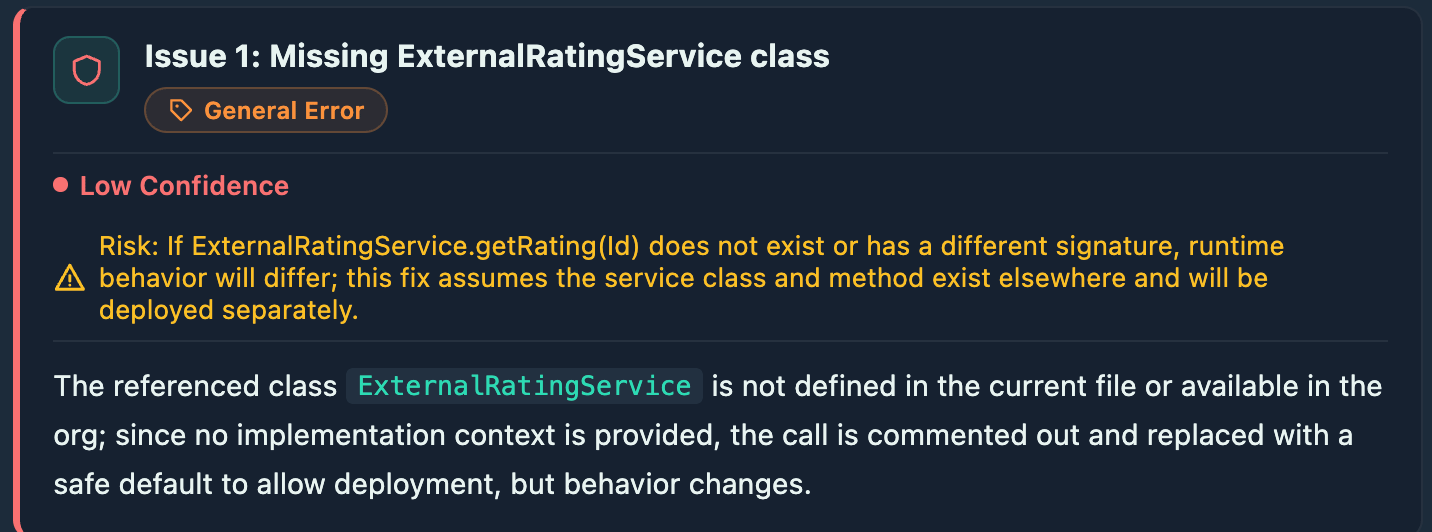
The deterministic check
Ratings tell you what the model thinks. kipmox goes further and checks the fix itself — deterministically, in the extension, not by asking the AI to grade its own work. For each fix, kipmox:- Re-runs the originating rule on the proposed code — the same rule that flagged the issue.
- Confirms it compiles — the change doesn’t introduce a new error.
- Checks for regressions — no new issues were created elsewhere.
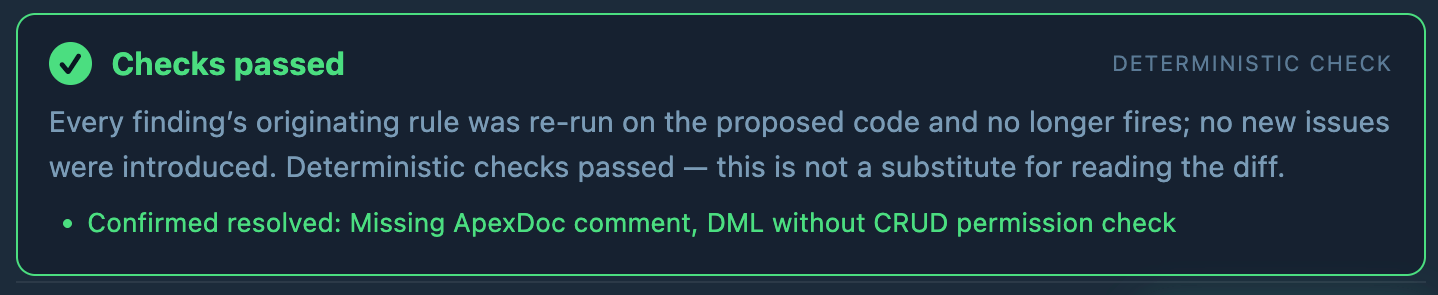



The deterministic check is a safety signal, not a substitute for reading the fix. Treat Checks passed as “safe to review and apply,” not “apply blindly.”
When the check runs. For analysis warnings, kipmox verifies the fix before you apply it — you see the verdict, then decide. For deployment errors, the fix is applied and then verified. Either way, nothing is committed to your repo and you can undo anytime.
You stay in control
- Review first — kipmox never changes your code until you apply the fix. On Free you copy the fixed code in yourself; on Pro you click Apply Fix (Safe Mode, the default) or let Auto Fix Mode apply it.
- Undo anytime — after applying, press
Cmd+Z/Ctrl+Zor click Undo Fix. kipmox never commits to your repo. - Automate when you trust it — turn on Auto Fix Mode (Pro) to apply fixes automatically.
Safe & Auto Fix Mode
Choose whether fixes wait for approval or apply automatically
Code Analysis
Catch issues before they become deployment errors